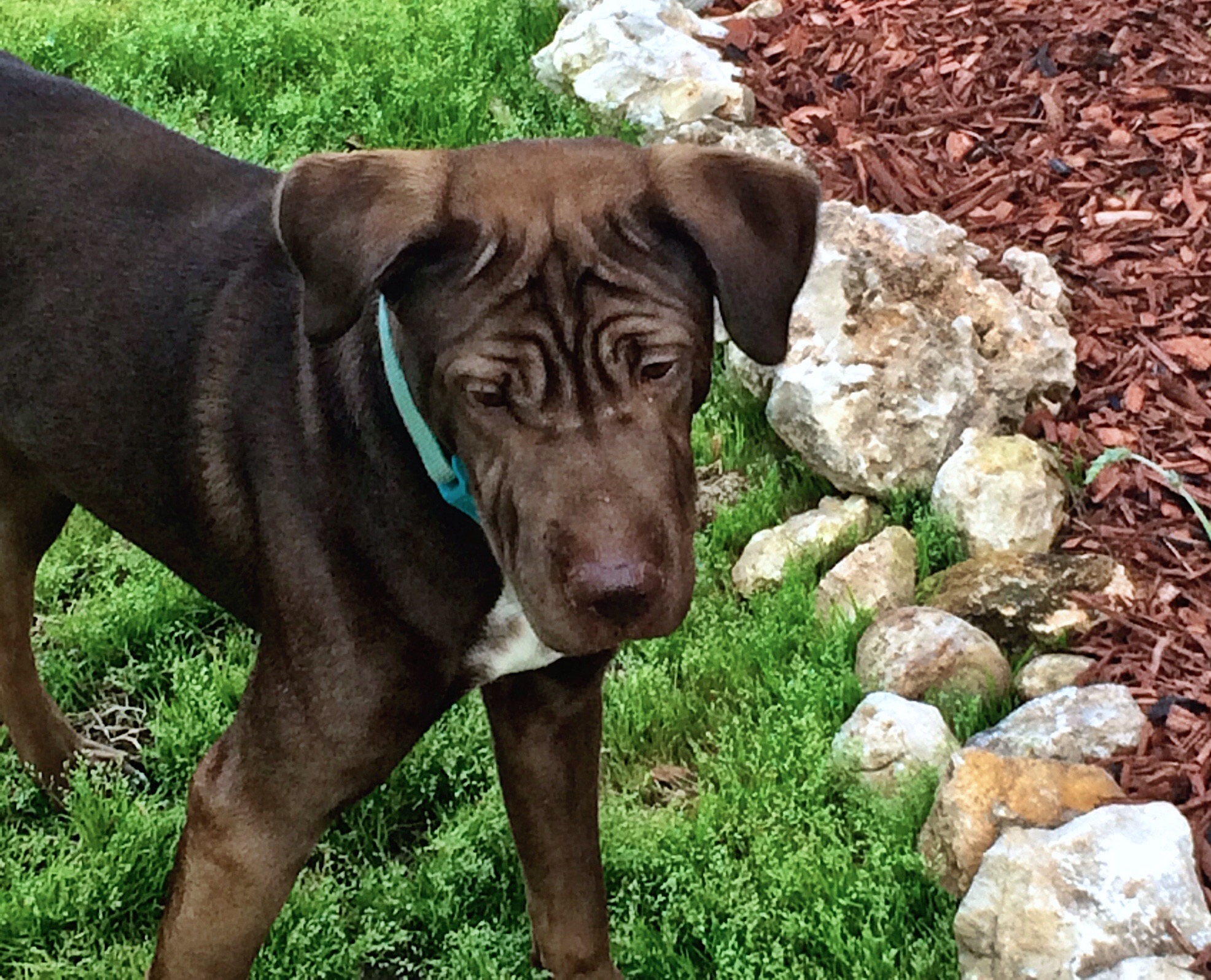
Summer is such a sweet time to recharge and do things that you can’t do during the school year! It is amazing how quickly I can manage to fill up my summer schedule even when it seems like I am going to have all of this free time. There is always something that comes up – today I was convinced that our dog had an ear infection so I took him to the vet. No ear infection, but don’t worry he was due for shots and other super fun stuff so they had plenty to do with him. I swear he is the most high maintenance dog on the planet. After we got home and I gave him his allergy shots (yes. I know. he is a dog on allergy shots) it was almost noon – time flies when there are no bells to keep you honest! At least he is super cute
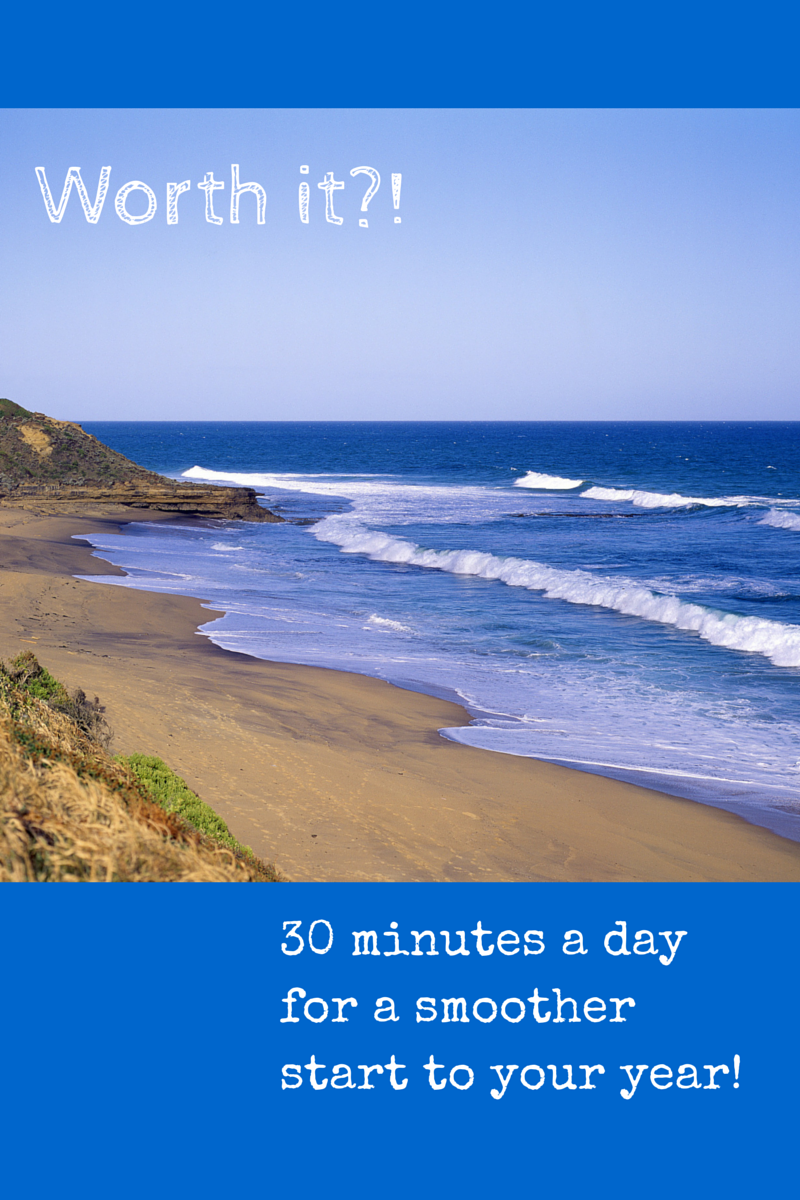
This summer I am trying to spend at least 30 minutes a day prepping something for next year – whether it be learning a new technology, (or feature of a known one) creating some rich content for my students, or just making some plans or fun band hall posters for next year. I figure that if I do this just during the week and for just June and July, maybe taking a few days off for travel or whatever, and knowing also that some days I will likely spend more than 30 minutes, I will have put in about 20 hours by the time August 1 rolls around. I can deal with that! I can make 20 hours work for me!
Join me! Let’s encourage each other to get stuff done – it will be fun too! If you haven’t checked it out already, see what quick techie project we are working on this week in That Flipping Bootcamp – I promise that learning how to use Canva is super fun and it’s features will become invaluable to you – I use Canva constantly for my students and it is fun and makes a beautiful looking product very quickly! Here is the how to.
Check it out and post your creations on That Flipping Band Director’s Facebook page!
Oh- one last thing before I get back to the mountain of laundry I promised myself I would do as soon as school got out 😉 comment or post any requests for Flipping Bootcamp here or on Facebook and I’ll do my best to get to what you are interested in!
Happy creating!
Related Posts
 Getting Started: What do I need to do first?
Use this guide to help you get started - keep in mind that it is just a guide! The fun thing about this type of classroom is that it is totally creative and can be […]
Getting Started: What do I need to do first?
Use this guide to help you get started - keep in mind that it is just a guide! The fun thing about this type of classroom is that it is totally creative and can be […]- Ooh-ing and Ahh-ing over the Doceri interactive whiteboard
If you are familiar with me at all, you know that my flipping BFF is my interactive whiteboard app. If you are not familiar with me, then hello, I'm Marianne and I am […]
- My new friend, Canva!Meet my new technological friend, Canva. We are tight now.
Canva is a (potentially) free website that allows you to create graphics and then save them as pdf or picture files (.png […]
- I have iPads for my music class…now what?
I spent the last week working at Texas Tech Band and Orchestra Camp. I have attended this camp as either a camper or faculty member for the last 13 summers and seriously don't know […]
- YouTube Week: Creating A Playlist
Now that you have your YouTube account all situated, it's time to start exploring!
Hopefully you figured out how to subscribe to someone's channel - if not, try it now:
1) Go […]
- “Free” Online Video Makers
I have been on a kick lately to find free video creator studios on the internet. My problem with the ones that I am finding is that they want money! noooooo!
If you have been here […]


